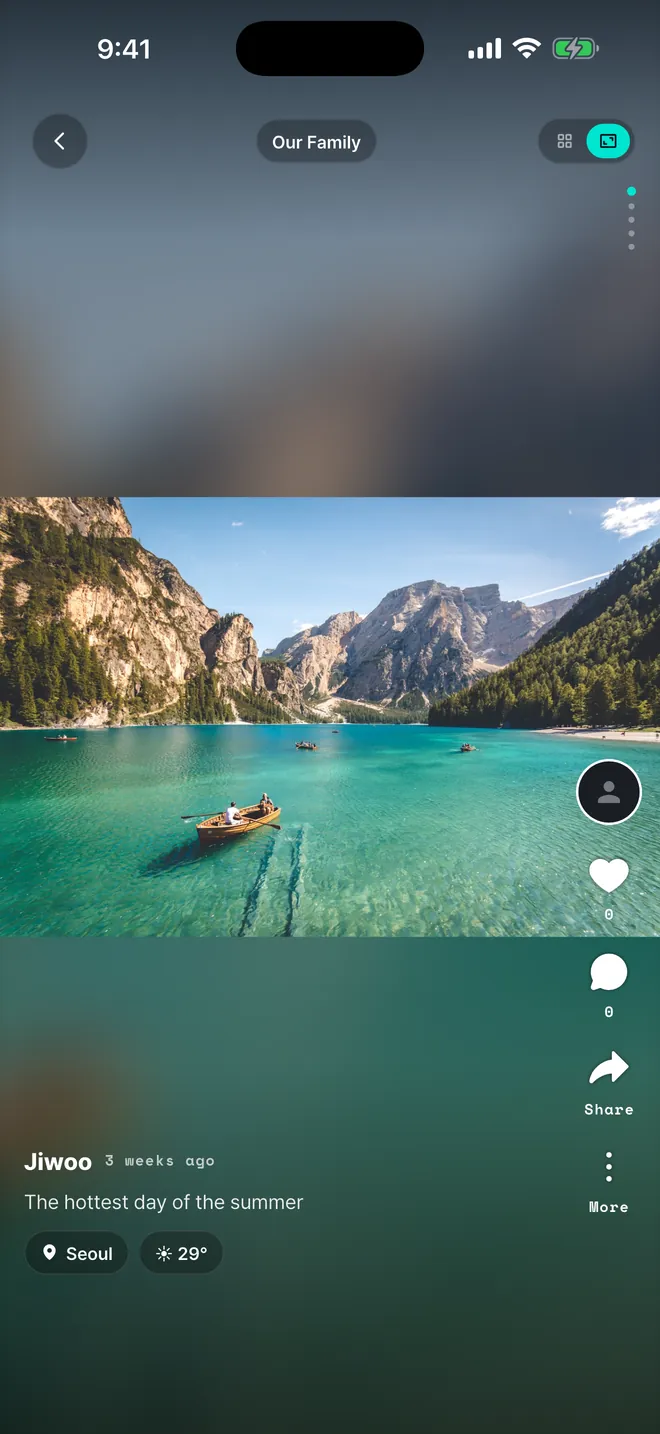
One at a time, with the air of that day
Swipe through full screen and the place and temperature come back with it. React and comment right there.
NEW · The shared album you fill together
Photos and videos are saved with the weather and place of that day. One invite link brings your people into the same album, and everything sorts itself by the date it was shot.
☀️ Clear · 24°
👀 4 members viewed
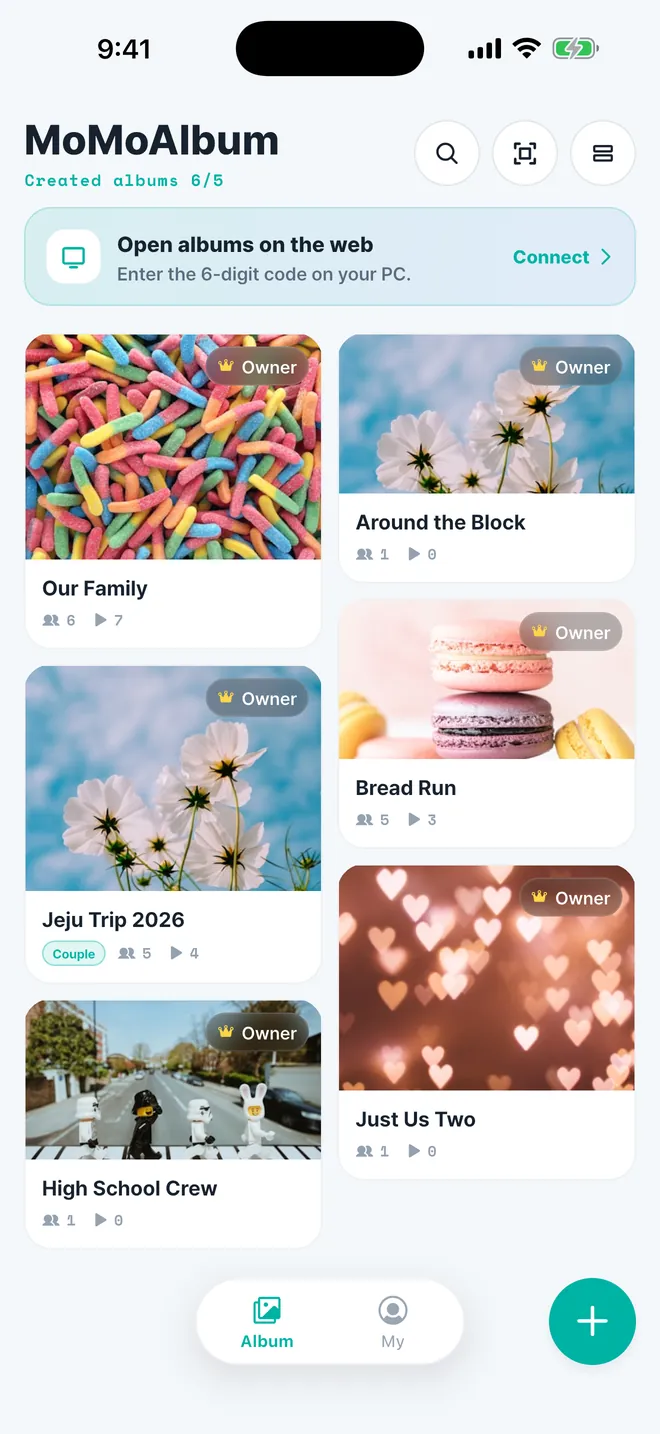
Group chats bury photos in a week. An album keeps them for years, in order, with the story attached.
Swipe through full screen and the place and temperature come back with it. React and comment right there.
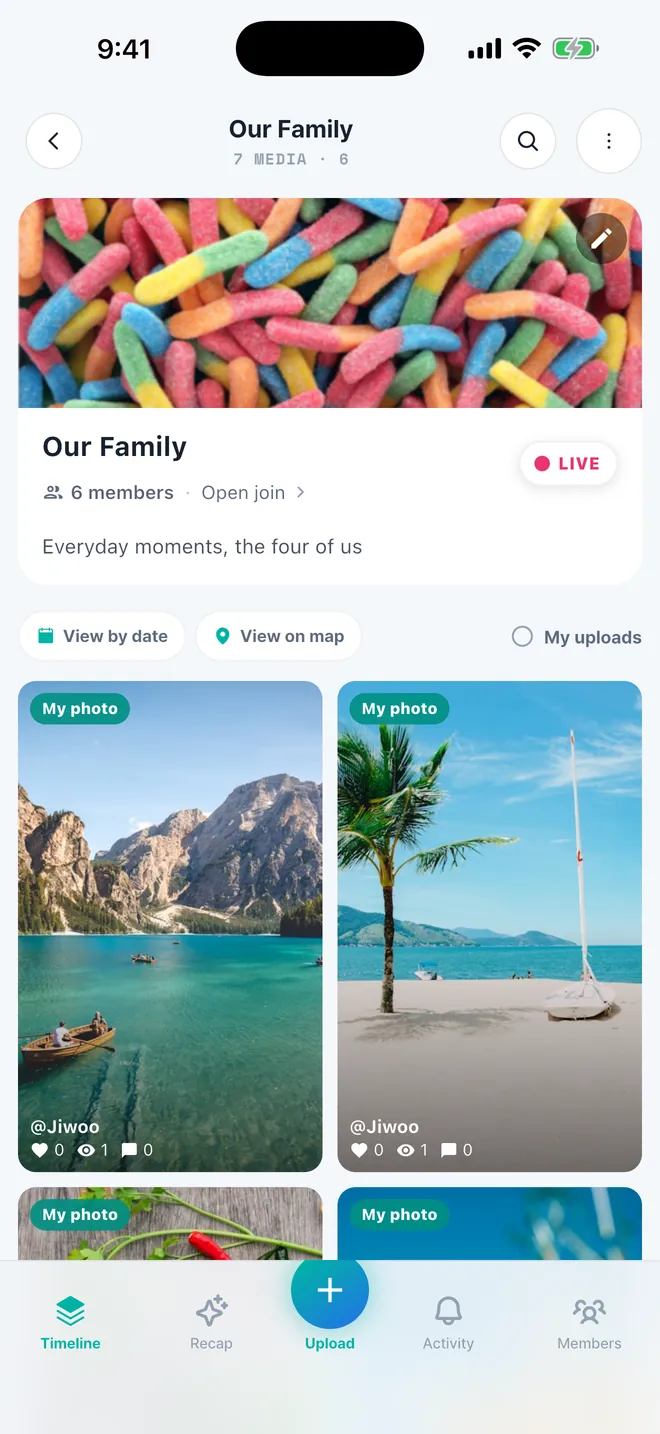
Whatever each member uploads lands in the same place, and new additions appear live.
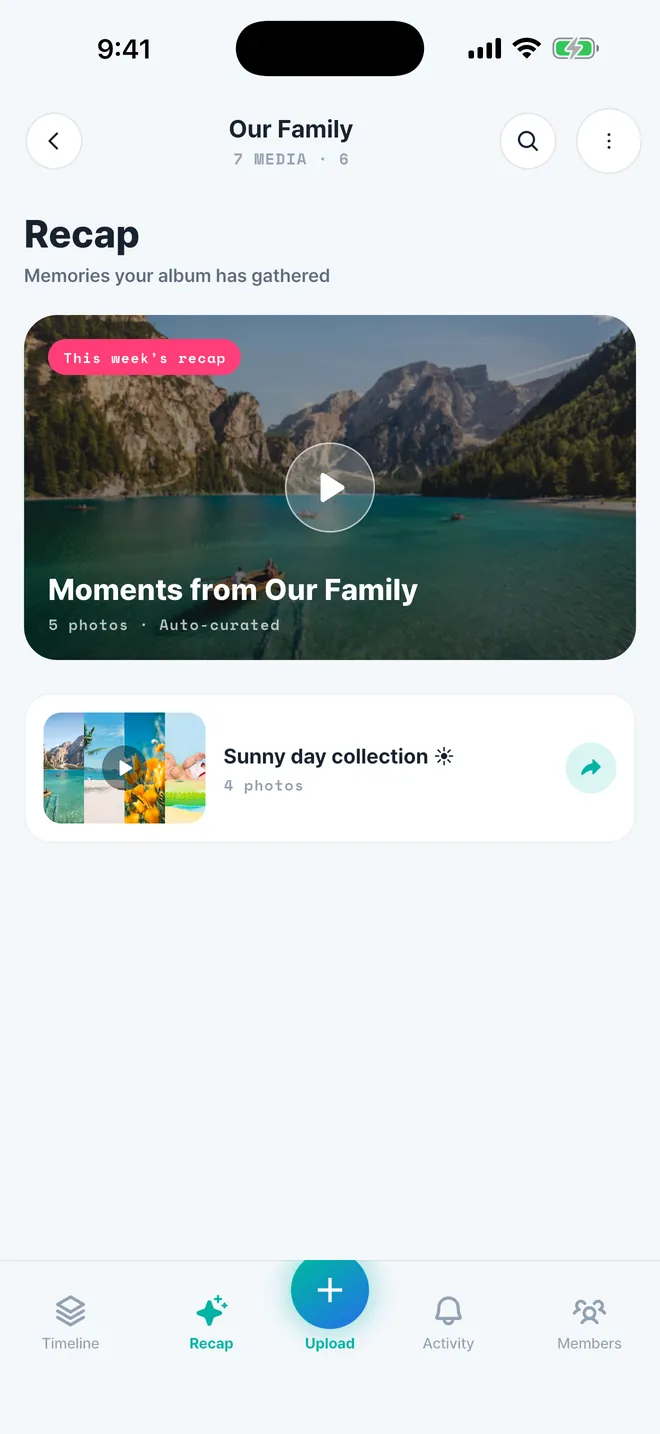
A collection of nothing but the clear days, or the highlights of the week — put together for you. Keeping the weather gives you another way to find a memory.
Everything a shared album needs — from collecting to looking back — and nothing you don't.
Weather, temperature and place are recorded automatically, so the album reads like a diary that writes itself.
Send a single invite link. No forms, no hoops — members land straight in the album.
Sorted by when the photo was taken, not when it was uploaded. Dump years of photos and each lands on its own day.
Play the album like a picture frame on a TV or tablet — perfect for looking back together.
Leave an emoji or a comment on any photo, and see who has already looked. Memories stay a conversation.
Only invited members can see an album. No public feed, no recommendation algorithm.
Add stickers and text, then wrap a photo in a frame. Cut a subject out to make a sticker of your own.
Turn several shots into one picture with 4-cut, 6-up and other layouts — no second app needed.
Photos and videos upload through a secure direct path, and their progress carries on when you reopen the app.
Set the dates for a trip, birthday or gathering. See when it is live, then revisit the moments as a recap.
Seal a message today and open it with everyone in the album on the day you promised.
Turn album photos into prints or a photobook. (South Korea only)
Stickers, text, frames and templates — plus photo grids that turn several shots into one. All inside the album, with no second app.
 Let's come back!


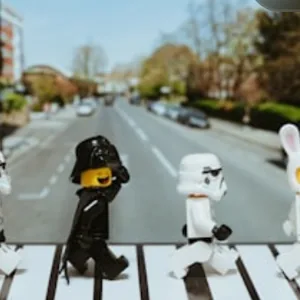
 4-CUT
4-CUT
Drop stickers onto a photo and add your own words. Drag, rotate and resize anything by hand.
Lift a person or an object straight out of a shot to make your own sticker. It's saved to your account, so it follows you to a new phone.
Polaroid, film, scrap note, starry night — a border changes the whole mood of a photo.
Sticker, text and frame combinations already put together. One tap and it's done.
Six layouts — 4-cut, 4-up grid, 2-up, 1+2 and 6-up — to keep several shots as one picture.
Decorate a photo you already posted and swap it in. Its likes and comments stay exactly where they were.
Events, groups, family, couples — anywhere people take photos together.
Weddings and birthdays: every guest's photos land in one album from a single link.
Reunions and clubs. Photos stop scrolling away in the group chat — nobody has to tidy up.
Everyone fills it together. Grandparents are one link away from the latest photos.
Private to the two of you. Anniversaries keep their date, weather and place.
Hand out one link and the scattered photos gather themselves.
Photos that used to scroll away in a group chat finally stay put.
Grandparents far away can see the latest photos from a single link.
Private to the two of you, so the photos you would not post anywhere else still have a home.
From opening the app to the first photo landing usually takes about a minute.
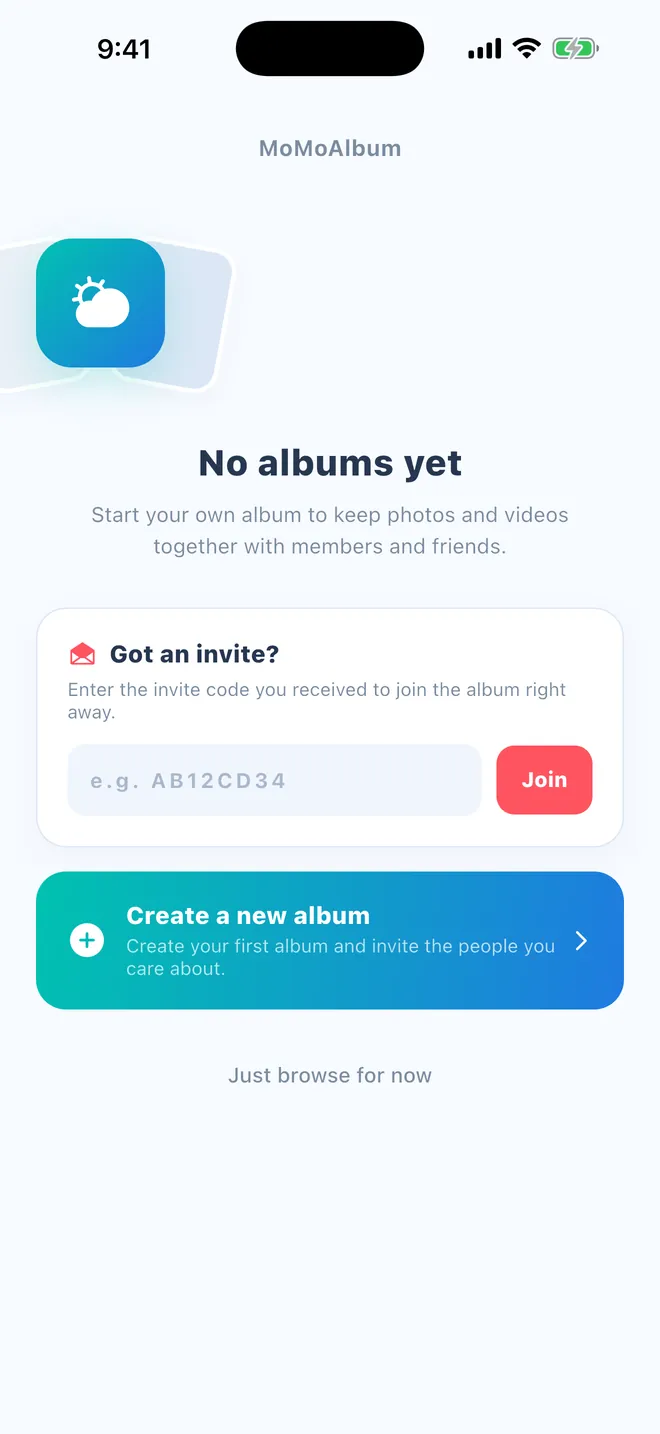
Give it a name and you're done. Family, a club, a trip — anything starts as one album.
Send the invite link by message and members join the same album. An invite code works too.
Whoever adds whatever, whenever — it sorts by the date it was shot, with weather and place attached.
Every core feature works without a subscription. Upgrade only when you need more room or more people.
Free, always
Monthly or yearly (yearly saves two months)
Prices are shown in your local currency by the App Store or Google Play, and in the subscription screen inside the app.
🖨️ Photo printing and photobook orders are available in South Korea only.
Yes. Photos and albums are unlimited even on the free plan. You also get 15 members per album and 2GB of video storage at no cost, and weather logging, the timeline, slideshow mode and comments are all included.
To add and view photos, yes. Tapping the invite link takes them to the store, and after installing they join that album automatically. They can also enter an invite code directly.
No. Albums are visible only to invited members. There is no public feed, no recommendation algorithm, and nothing is discoverable through search. You can remove, report or block a member at any time.
When a photo is added, the weather and temperature for that day are saved based on where it was taken, and shown alongside the photo in the immersive viewer.
They are ordered by the capture date stored in each photo, not by upload time — so a bulk import spreads itself across the right days automatically.
Yes, photos and videos live in the same album. The free plan includes 2GB of video storage and Group Pro raises it to 50GB.
Yes. Add stickers and text, and pick from 13 frames or 13 ready-made templates. You can also cut a person or object out of a photo to make your own sticker — it is saved to your account, so it follows you to a new device — and combine several shots into one with the grid and collage layouts. Decorating a photo you already posted keeps its likes and comments intact.
Slideshow mode plays the album like a picture frame. On a computer or tablet browser you can also sign in to the web album viewer and open the same album.
Photos in your album can be printed or made into a photobook, but because it requires physical delivery this is available in South Korea only.
Pricing varies by country and currency, and is shown in the app's subscription screen and in the store. You can cancel any time from your App Store or Google Play subscription settings.
Yes. Request account deletion inside the app and your account and data are removed. See the account deletion guide for the steps.
Yes. It's on the App Store and Google Play, and members share the same album regardless of device.
Absolutely. Keep it as a private log and invite people later if you want — earlier photos stay exactly where they are.
Make an album and invite the people you laughed with. Today becomes page one.